
A robots.txt file is a plain text file placed at the root of a website (youwebsite.com/robots-txt-generator/) that tells search engine crawlers which pages to crawl and which to skip. It is the first file Googlebot reads before crawling any page on a site.
What Exactly Is a robots.txt File — and Do US Websites Still Need One in 2026?
Yes — and more than ever. With Google processing hundreds of billions of pages daily, crawl budget has become a serious concern for US-based businesses running e-commerce stores, SaaS platforms, news sites, or content-heavy blogs.
A robots.txt file is a plain text document that sits in a site’s root directory. It speaks directly to bots — Googlebot, Bingbot, DuckDuckBot, and others — and gives them a rulebook: here’s where you can go, here’s where you can’t.
For US site owners focused on organic search performance, this file is not optional. It controls how efficiently search engines spend their crawl budget on a site, which directly impacts how quickly new and updated content gets indexed.
How Does robots .txt Work? (The Exact Syntax, Explained)
Here is the structure every webmaster needs to understand:
User-agent: [bot name or * for all bots]
Disallow: [URL path to block]
Allow: [URL path to permit]
Sitemap: [full URL to XML sitemap]
Real-world example for a US e-commerce site:
User-agent: *
Disallow: /checkout/
Disallow: /account/
Disallow: /cart/
Disallow: /search?
Allow: /search/collections/
User-agent: Googlebot
Disallow: /staging/
Allow: /
Sitemap: https://www.yourstore.com/sitemap.xml
What this does:
- Blocks all bots from hitting checkout, account, cart, and internal search result pages
- Keeps Googlebot away from a staging directory
- Points crawlers directly to the sitemap for efficient discovery
This is the kind of setup a mid-size US online retailer should be running — not the bare-bones default file most hosting platforms generate automatically.
What Should a US Business Actually Block in robots .txt?
This is where most site owners get it wrong. Here is a practical breakdown by site type:
E-Commerce Sites (Shopify, WooCommerce, Magento)
Block these:
Disallow: /cart
Disallow: /checkout
Disallow: /account
Disallow: /collections/*?sort_by=
Disallow: /products/*?variant=
Why: Faceted navigation and parameter-based URLs create thousands of near-duplicate pages that waste crawl budget without adding search value.
Business / Service Websites
Block these:
Disallow: /wp-admin/
Disallow: /wp-login.php
Disallow: /xmlrpc.php
Disallow: /feed/
Disallow: /tag/
Why: WordPress admin URLs, feeds, and tag archive pages dilute crawl budget and rarely rank for anything meaningful.
SaaS / App Platforms
Block these:
Disallow: /dashboard/
Disallow: /api/
Disallow: /app/
Disallow: /user/
Why: Authenticated, dynamic, or app-specific URLs have zero search value and should never be indexed.
What Is a robots.txt Maker — and When Should Someone Use One?
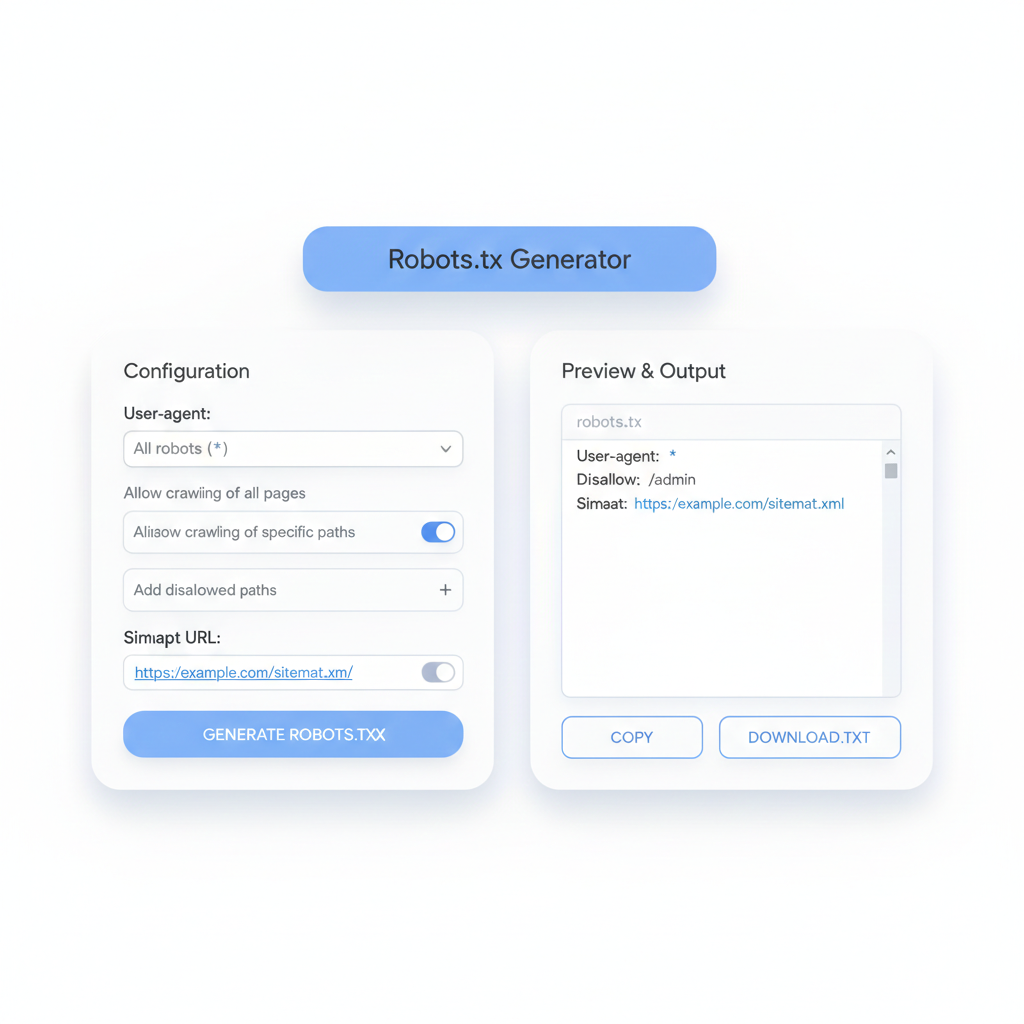
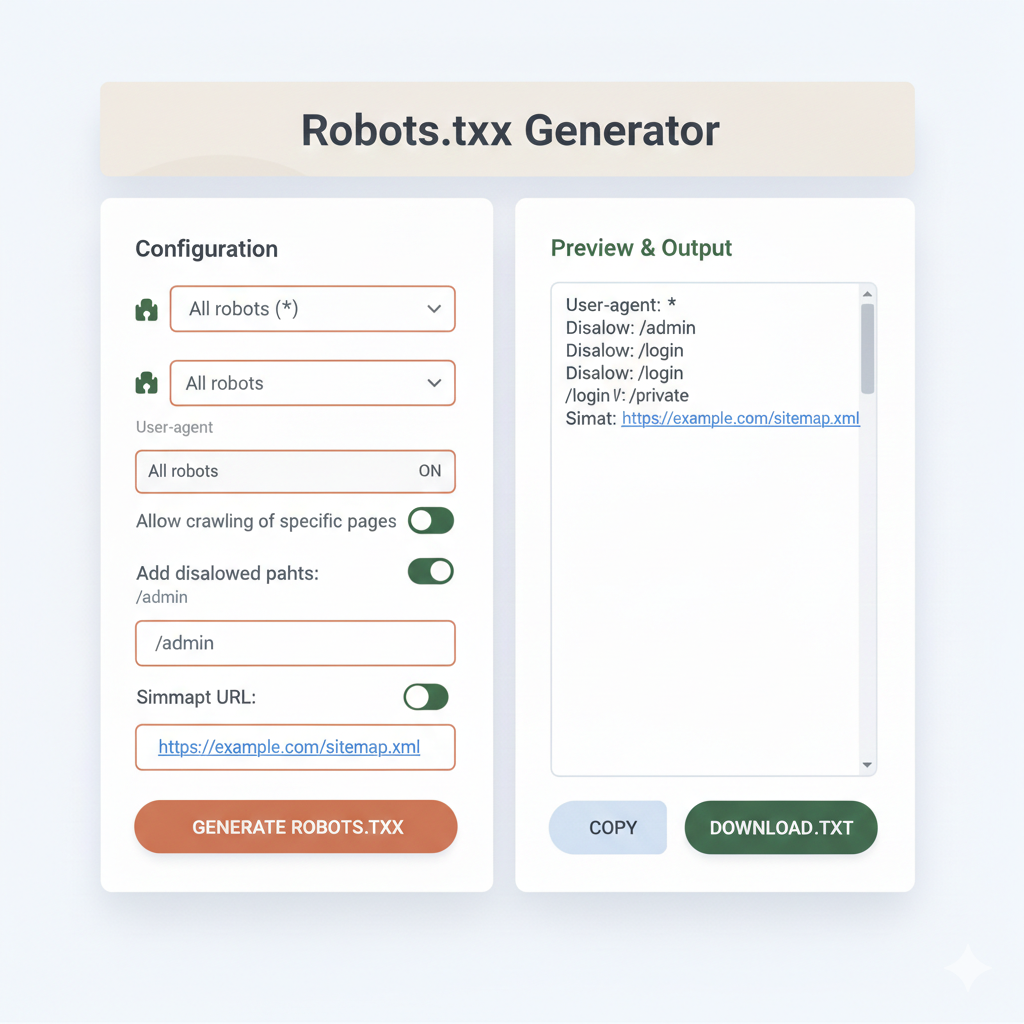
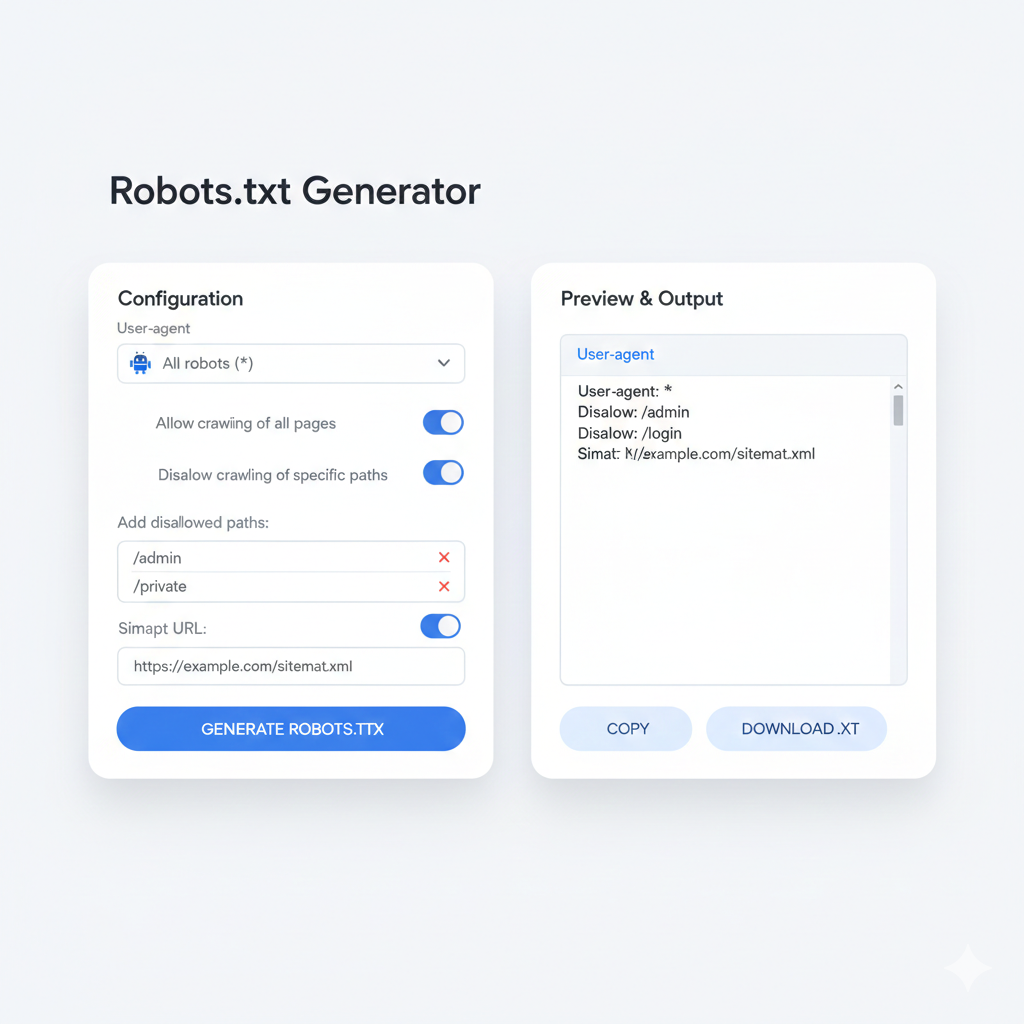
A robots.txt maker is an online tool that builds a correctly formatted robots.txt file through a guided interface. Instead of writing raw syntax by hand — where a single typo can block an entire site from Google — users select their options and the tool generates the output automatically.
Who needs a robots.txt maker:
- Business owners managing their own website without a dedicated developer
- Marketing teams making quick technical changes between sprints
- Freelancers setting up new client websites on tight timelines
- Anyone who has ever accidentally disallowed / (which blocks the entire site from all crawlers — one of the most damaging SEO mistakes possible)
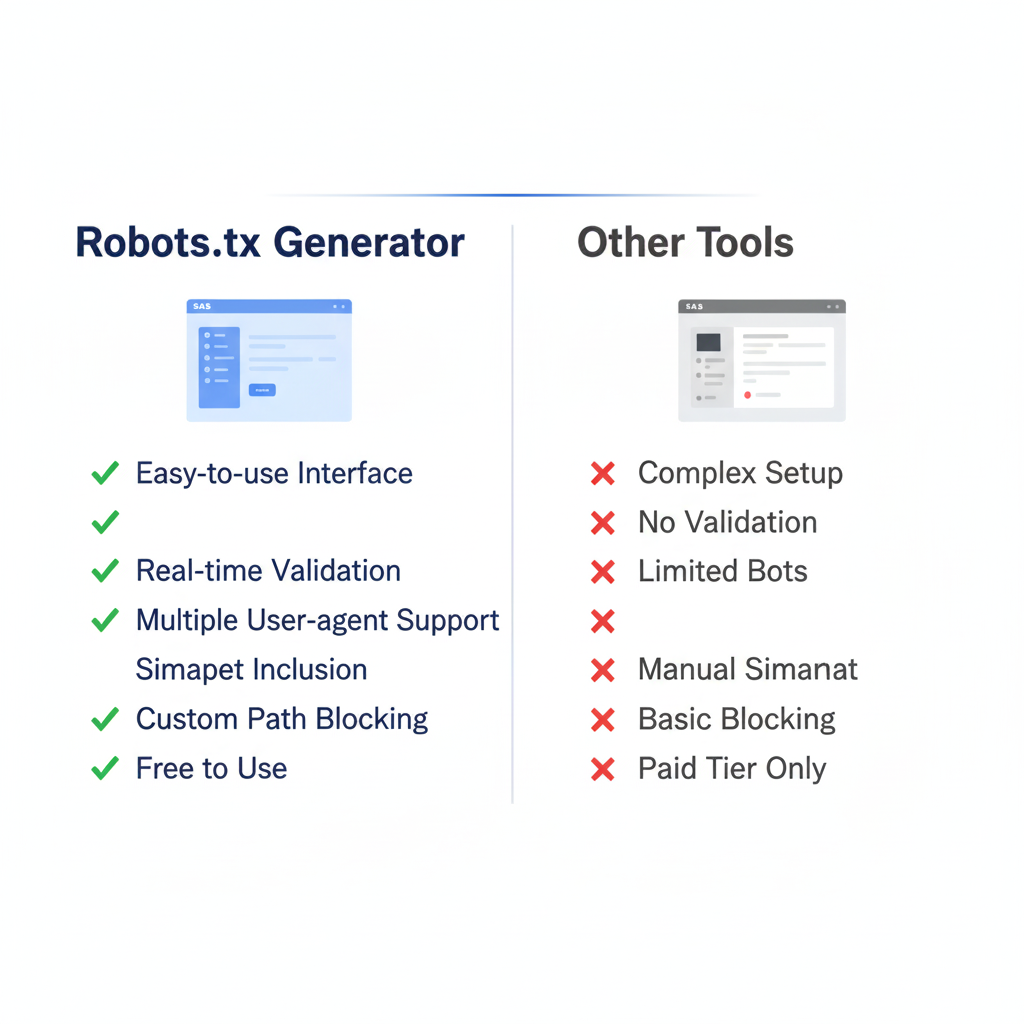
A good create robots txt generator tool will offer:
- Checkboxes for common bot names (Googlebot, Bingbot, GPTBot, etc.)
- Field inputs for allow/disallow paths
- Automatic sitemap field inclusion
- One-click copy or download of the finished file
- A preview to verify output before going live
Does robots.txt Affect SEO Rankings Directly?
Not directly — but indirectly, it has a significant impact. Here is how:
Crawl budget efficiency: Google allocates a finite crawl budget per site. Blocking low-value pages (parameter URLs, admin paths, duplicate filters) means Googlebot spends more time crawling pages that actually need to rank — product pages, blog posts, service pages, landing pages.
Indexation speed: Sites with bloated crawl paths take longer to get new content indexed. A clean robots.txt file accelerates the pipeline from “published” to “indexed” to “ranking.”
Crawl traps: Certain site architectures generate infinite URL strings (think session IDs, infinite scroll parameters, or calendar pagination). Without disallowing these in robots.txt, Googlebot can get stuck looping through thousands of useless URLs — a crawl trap that can tank indexation for an entire domain.

robots.txt vs. noindex: Which One Does What?
This is one of the most searched questions on this topic among US webmasters — and the answer matters:
| Goal | Use robots.txt | Use noindex |
| Prevent crawling | ✅ Yes | ❌ No |
| Prevent indexing | ❌ No | ✅ Yes |
| Remove from search results | ❌ No | ✅ Yes |
| Save crawl budget | ✅ Yes | ❌ No |
| Block bot traffic to a page | ✅ Yes | ❌ No |
Critical rule: Never use robots.txt to disallow a page that also has a noindex tag. If Googlebot is blocked from crawling a page, it cannot read the noindex tag — meaning the page could still appear in search results if other sites link to it. Use noindex on the page itself for pages that need to be fully removed from search.
What Is the Correct robots.txt for a WordPress Site?
This is one of the most searched templates among US WordPress users. Here is a production-ready starting point:
User-agent: *
Disallow: /wp-admin/
Disallow: /wp-login.php
Disallow: /xmlrpc.php
Disallow: /wp-json/
Disallow: /feed/
Disallow: /trackback/
Disallow: /?s=
Disallow: /tag/
Disallow: /author/
Allow: /wp-admin/admin-ajax.php
User-agent: GPTBot
Disallow: /
User-agent: CCBot
Disallow: /
Sitemap: https://www.yourwebsite.com/sitemap_index.xml
Notable additions for 2025:
- GPTBot and CCBot blocks prevent OpenAI and Common Crawl from scraping content for AI training — a growing concern for US content publishers and media companies.
- admin-ajax.php must be allowed for WordPress front-end functionality to work correctly with Googlebot rendering.
How Does a robots.txt File Work with Sitemaps?
The two files serve opposite but complementary functions. The sitemap says “here is everything worth finding.” The robots.txt file says “here is everything to skip.”
Best practice is to reference the sitemap directly inside robots.txt:
Sitemap: https://www.yourwebsite.com/sitemap.xml
For larger US sites running Yoast SEO, Rank Math, or custom sitemap generators, the sitemap index format is more appropriate:
Sitemap: https://www.yourwebsite.com/sitemap_index.xml
This single line lets any crawler — not just Googlebot — discover the sitemap automatically, without relying on Search Console submission alone.
How Can Someone Test Their robots.txt File Before Going Live?
Three reliable methods used by US SEO professionals:
1. Google Search Console robots.txt Tester Go to Search Console → Settings → robots.txt Tester. Paste in a specific URL and it shows instantly whether that URL is blocked or allowed by the current file.
2. Direct URL check Visit yourwebsite.com/robots.txt in a browser. If the file exists and is correctly uploaded, it renders as plain text. If it returns a 404, the file is missing entirely.
3. Third-party crawl tools Tools like Screaming Frog, Ahrefs Site Audit, or SEMrush Site Audit flag robots.txt issues during their crawl — including blocked CSS/JS files, disallowed indexable pages, and missing sitemap references.
What Are the Most Common robots.txt Mistakes That Hurt Rankings?
Mistake 1: Disallowing the entire site
Disallow: /
This single line blocks every crawler from every page. It is surprisingly common after site migrations or plugin misconfigurations.
Mistake 2: Blocking CSS and JavaScript files Google needs to render pages to understand them. Blocking /wp-content/ or /assets/ prevents rendering and can cause Google to misclassify the site.
Mistake 3: Forgetting trailing slashes Disallow: /admin and Disallow: /admin/ behave differently across crawlers. Always test both variations.
Mistake 4: Using robots.txt as a security tool Listing sensitive URLs in robots.txt to block crawlers actually makes those URLs publicly visible — anyone can read a robots.txt file. Security through obscurity is not security.
Mistake 5: Never updating the file after site changes A robots.txt file written in 2021 may be actively harming a site restructured in 2024. It should be reviewed after every major migration, redesign, or directory change.
For US website owners, getting robots.txt right is one of the highest-leverage technical SEO tasks available — low effort, high impact. Whether someone builds theirs manually, uses a robots.txt maker, or runs it through a create robots txt generator tool, the goal is the same: give search engines a clean, accurate map of what matters and what doesn’t, so every crawl counts.