
What Is an XML Sitemap?
An XML sitemap is a structured file written in extensible markup language (XML) that lists all the important pages of a website so search engines like Google can find, crawl, and index them efficiently. Think of it as a roadmap that tells search engine bots exactly where to go on your website.
Every website owner — whether running a blog on Blogger or managing a large e-commerce platform — needs to understand what an XML sitemap does and why it plays a critical role in modern SEO strategy.
What Does an XML File Actually Look Like?
Before diving into the creation process, it helps to understand the basic structure of an XML document. Unlike HTML, which is a fixed markup language focused on displaying content in a web browser, XML uses custom tags defined by the creator. This flexibility is what makes it so powerful for data exchange between different systems.
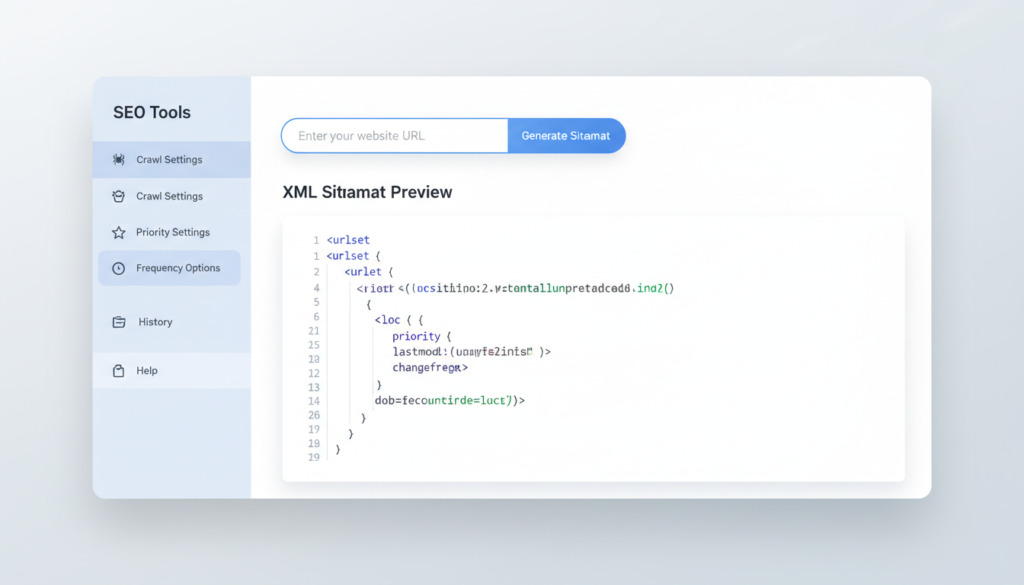
Here is a simple example of what XML syntax looks like inside a sitemap:
xml
<?xml version="1.0" encoding="UTF-8"?>
<urlset xmlns="http://www.sitemaps.org/schemas/sitemap/0.9">
  <url>
    <loc>https://www.example.com/page-one/</loc>
    <lastmod>2026-01-15</lastmod>
    <changefreq>monthly</changefreq>
    <priority>0.8</priority>
  </url>
</urlset>
```

This XML document uses a root element called `<urlset>` and child elements like `<url>`, `<loc>`, and `<lastmod>`. The structure follows W3C standards and must be well-formed — meaning every opening tag must have a closing tag, and the document must follow proper XML syntax rules. A well-formed XML document is one where the markup is clean, nested correctly, and follows the rules defined by the XML specification.

---

## Does an XML Sitemap Help SEO?

Absolutely — and this is one of the most common questions asked by bloggers and website owners in the United States.

An XML sitemap helps SEO in the following key ways:

- **Faster Indexing:** Search engines discover new content more quickly when a sitemap is submitted through Google Search Console.
- **Better Crawl Coverage:** Large websites with many pages or complex navigation benefit most. Without a sitemap, some pages may never get crawled.
- **Prioritization Signals:** The `<priority>` and `<changefreq>` elements give Googlebot hints about which pages matter most and how often they are updated.
- **Support for Media Types:** Sitemaps can include image, video, and news URLs, expanding the scope of what gets indexed.

Google's own documentation confirms that sitemaps are especially useful for new websites, websites with lots of pages, and websites that don't have many external links pointing to them. So yes — submitting an XML sitemap is one of the most tangible tips any SEO professional can give to a website owner starting out in 2026.

---

## How to Generate an XML Sitemap: Step-by-Step

### Step 1 — Choose the Right Sitemap Generator

For most users, manually writing an XML file in a text editor is not practical. That's where XML sitemap generator tools come in. Here are the most popular and reliable options available in 2026:

**For WordPress:**
- **Google XML Sitemaps plugin** — one of the oldest and most trusted plugins, automatically generates a sitemap and pings Google whenever new content is published.
- **Yoast SEO** — includes built-in sitemap generation with schema support and fine-grained control over which pages appear in the sitemap.
- **Rank Math** — a strong alternative with clean sitemap output.

**For Blogger:**
- **Labnol Blogger Sitemap** — a free, widely recommended tool specifically built for Blogger users. It generates a clean XML sitemap for Blogger blogs without requiring any downloads or installations.
- **Google Sitemap Generator** — Google's own sitemap utility that works with Blogger and other platforms.

**For Any Website:**
- **XML-Sitemaps.com** — a free sitemap generator that crawls any public page and produces a downloadable XML file.
- **Screaming Frog SEO Spider** — the industry-standard desktop application for generating sitemaps for larger sites.

---

### Step 2 — Generate Your Sitemap

Using a free sitemap generator is straightforward. Here's a general process:

1. Open the sitemap tool of your choice.
2. Enter your website's homepage URL.
3. Set crawl options such as maximum pages, change frequency, and priority levels.
4. Click **Generate** and wait for the tool to crawl your site.
5. Download the resulting XML file (typically named `sitemap.xml`).

For Blogger users looking for an XML sitemap generator for Blogger free of charge, the Labnol Blogger Sitemap tool remains one of the best XML sitemap generators available. It requires no download, generates the file instantly, and is completely free.

---

### Step 3 — Upload or Host Your Sitemap

Once the XML file is generated, it needs to be accessible at a public URL — something like `https://www.yoursite.com/sitemap.xml`. Most CMS platforms handle this automatically. For Blogger, the sitemap is typically accessible at:
```
https://yourblogname.blogspot.com/sitemap.xml
Blogger’s built-in sitemap supports up to 500 posts. For blogs with more content, users need to use additional sitemap URLs by appending ?start-index= parameters or using the Labnol Blogger Sitemap tool to generate a custom file.

Step 4 — Submit Your Sitemap to Google Search Console
This is the most critical step in the entire process. Submitting the sitemap tells Google where to find it, and Google will begin using it in its crawl schedule.
Here’s how to do it:
- Log in to Google Search Console.
- Select your property (website).
- In the left sidebar, click Sitemaps under the Index section.
- Enter the URL of your sitemap (e.g.,
sitemap.xml) in the field provided. - Click Submit.
Google will process the sitemap and begin reporting on discovered URLs. If there are any errors — such as XML syntax issues or blocked pages — Search Console will flag them clearly.

How to Generate a Sitemap for Blogger Specifically
Blogger users often face unique challenges because the platform is a closed system with limited customization options. Here is how to handle sitemap generation specifically for Blogger:
Option 1 — Use the Built-in Sitemap Blogger automatically generates a basic sitemap accessible at yoursite.blogspot.com/sitemap.xml. This can be submitted directly to Google Search Console.
Option 2 — Use Labnol Blogger Sitemap The Labnol Blogger Sitemap tool is the best XML sitemap generator for Blogger because it generates a comprehensive sitemap that includes all posts, not just the most recent ones. It’s free, requires no Blogger sitemap download, and works directly from the browser.
Option 3 — Manual XML for Blogger Advanced users can write a custom XML document using a text editor, following proper W3C sitemap schema guidelines. This involves creating a document type definition (DTD) or XML schema reference, but for most bloggers, this level of complexity is unnecessary.
What Makes a Sitemap Valid and Well-Formed?
A valid XML sitemap must follow several technical rules derived from the XML specification and W3C sitemap protocol:
- The file must use Unicode characters only — specifically UTF-8 encoding. This supports unicode character sets from virtually every language.
- Control characters — specifically C1 control characters — must not appear in the file unless properly escaped.
- All attribute values must be enclosed in quotes.
- Character references and numeric character references must be used for special characters like
&(&),<(<), and>(>). - The file must have a root element (
<urlset>) that wraps all URL entries. - Each
<loc>tag must point to a URL that returns a valid response and is not blocked by robots.txt.
These rules apply to all XML-based languages, not just sitemaps. Whether dealing with SVG files (image/svg+xml), RSS feeds, or web services APIs, the underlying XML syntax rules remain consistent.
XML vs HTML — What’s the Difference in Context of Sitemaps?
Many beginners confuse XML with HTML. While both are markup languages derived from SGML (Standard Generalized Markup Language, originally defined under ISO 8879), they serve entirely different purposes.
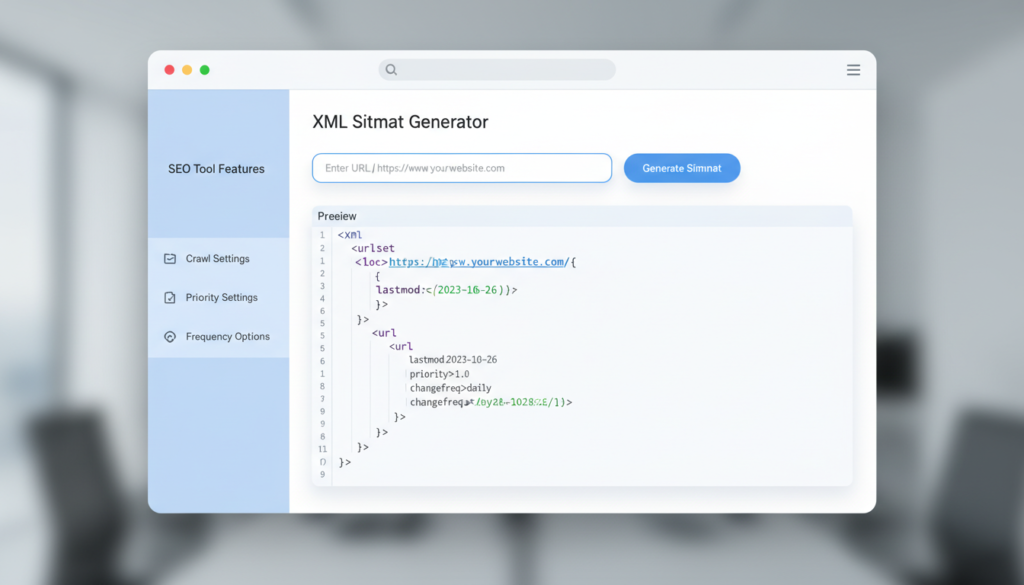
HTML (Hypertext Markup Language) is designed to display content in a web browser. Its tags are predefined — <p>, <div>, <a> — and browsers are very forgiving of errors in HTML code.
XML is a flexible data format where users define their own tags. A sitemap XML document is not rendered in a browser the same way HTML is — it’s read by applications, APIs, and search engine bots that parse it using tools like SAX parsers or DOM-based parsers.
Understanding this distinction helps when debugging sitemap errors. If the sitemap appears broken in a web browser, it’s usually a sign that the XML syntax is not well-formed.
Which Sitemap Generator Is Best in 2026?
The best sitemap generator depends on the platform:
| Platform | Best Tool | Cost |
|---|---|---|
| WordPress | Yoast SEO / Rank Math | Free |
| Blogger | Labnol Blogger Sitemap | Free |
| Any site | XML-Sitemaps.com | Free (up to 500 URLs) |
| Large sites | Screaming Frog | Free up to 500 URLs / Paid |
| Enterprise | Semrush Site Audit | Paid |
For bloggers in the US using Google’s Blogger platform, the Labnol Blogger Sitemap combined with Google Search Console submission remains the most efficient and cost-free workflow available in 2026.

Frequently Asked Questions (FAQ)
Q1: How do I generate a sitemap for Blogger? Blogger automatically creates a sitemap at yourblog.blogspot.com/sitemap.xml. For a more complete sitemap that includes all posts, use the Labnol Blogger Sitemap tool or submit the default sitemap directly through Google Search Console.
Q2: Does an XML sitemap help SEO? Yes. An XML sitemap helps search engines discover and index all important pages on a website more efficiently, which can improve organic search visibility over time — especially for newer or larger websites.
Q3: What is the best free sitemap generator? For general websites, XML-Sitemaps.com is one of the best free sitemap generators available. For Blogger specifically, the Labnol Blogger Sitemap tool is the top choice among bloggers in the US.
Q4: What is the difference between an XML sitemap and an HTML sitemap? An XML sitemap is designed for search engines — it uses extensible markup language to list URLs in a machine-readable format. An HTML sitemap is designed for human visitors and displays links on a web page using standard hypertext markup language.
Q5: Can I submit multiple sitemaps to Google Search Console? Yes. Google Search Console allows multiple sitemap submissions. This is useful for large sites that separate content into different sitemap files for posts, pages, images, and videos.
Conclusion
Understanding what an XML sitemap is and how to create one is a foundational SEO skill in 2026. Whether someone is running a personal blog on Blogger or managing a multi-page business website, submitting a properly structured sitemap to Google Search Console ensures that content gets discovered and indexed efficiently.
The process is simpler than many people expect: choose a reliable sitemap generator (free tools like Labnol Blogger Sitemap or XML-Sitemaps.com work well for most users), generate the file, host it at a public URL, and submit it to Google. Following proper XML syntax rules — valid Unicode characters, correct use of character data, clean root element structure — ensures the sitemap is accepted without errors.
In an era where search engines are getting smarter and competition for rankings is increasing, making sure a website’s sitemap is clean, complete, and submitted correctly is one of the highest-impact technical SEO steps any publisher can take.