
What are YouTube tags, and do they still matter for ranking in 2026? YouTube tags are metadata elements that help YouTube’s algorithm understand the context, topic, and relevance of a video. When used correctly, tags support better discoverability, improve video SEO, and increase the chances of a video going viral by surfacing it in the right search results and suggested feeds.
What Are YouTube Tags and Why Do They Matter for SEO?
YouTube tags are words and phrases added to a video’s backend metadata. They tell YouTube’s algorithm what a video is about — especially when the title or description alone doesn’t make it fully clear. While tags are not the single most powerful ranking factor, they remain a valuable part of a complete YouTube SEO strategy alongside titles, descriptions, and thumbnails.
Key reasons tags still matter:
- They reinforce the video’s topic for YouTube’s crawlers
- They help videos appear in related/suggested video feeds
- They reduce ambiguity for keywords with multiple meanings
- They support overall channel tags strategy and brand consistency
How Does YouTube Use Tags as Metadata?
YouTube treats tags as part of a video’s metadata — the same category that includes titles, descriptions, and closed captions. This metadata is what YouTube reads to match a video with a viewer’s search intent.
For example, a vlogger creating content about food in Japan might tag their video with terms like “japan travel vlog,” “food vlog,” “japanese street food,” and “travel tips.” Each tag word gives YouTube additional context. The algorithm then uses this to recommend the video to viewers who have watched similar content.
YouTube’s terms of service also warn against using misleading tags — adding irrelevant keywords just to attract clicks is a violation that can negatively affect a channel’s standing. Always use tags that accurately reflect the video content.
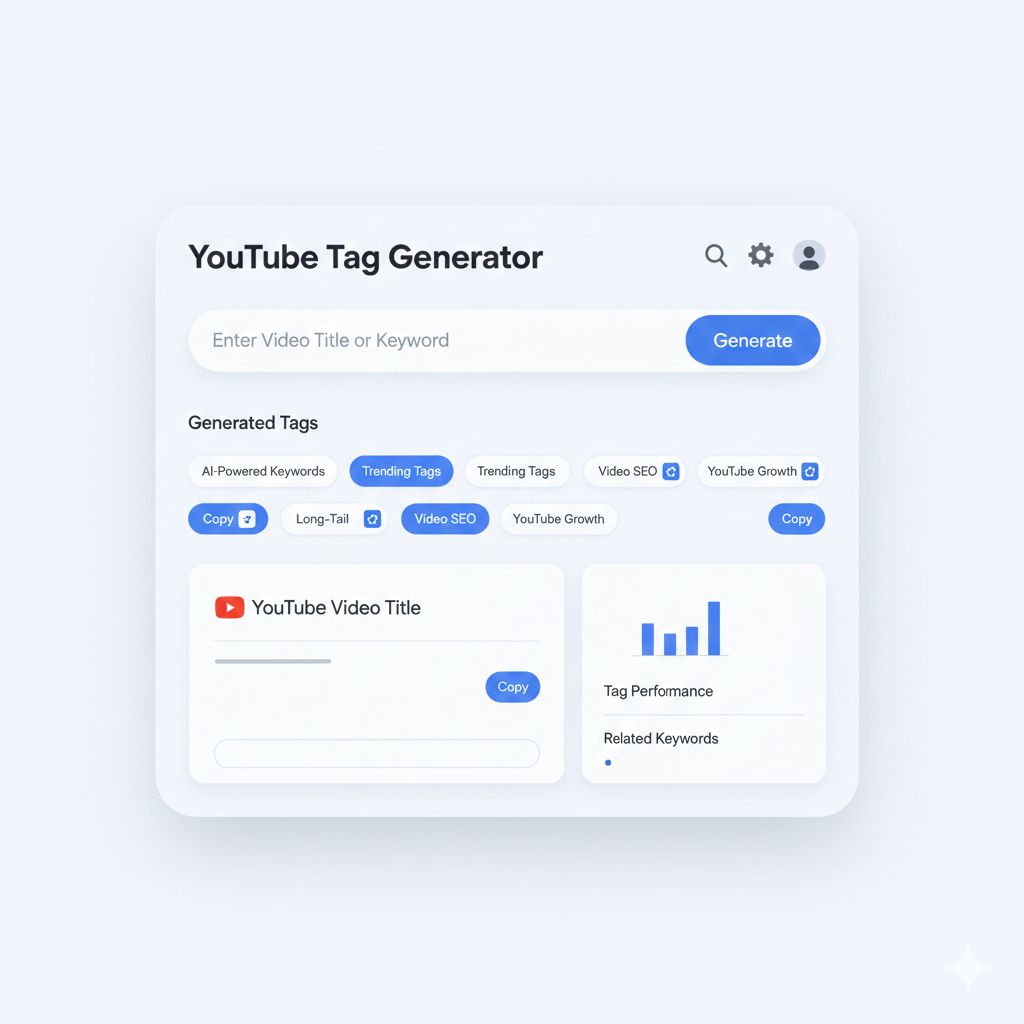
What Is a YouTube Tag Generator and How Does It Work?
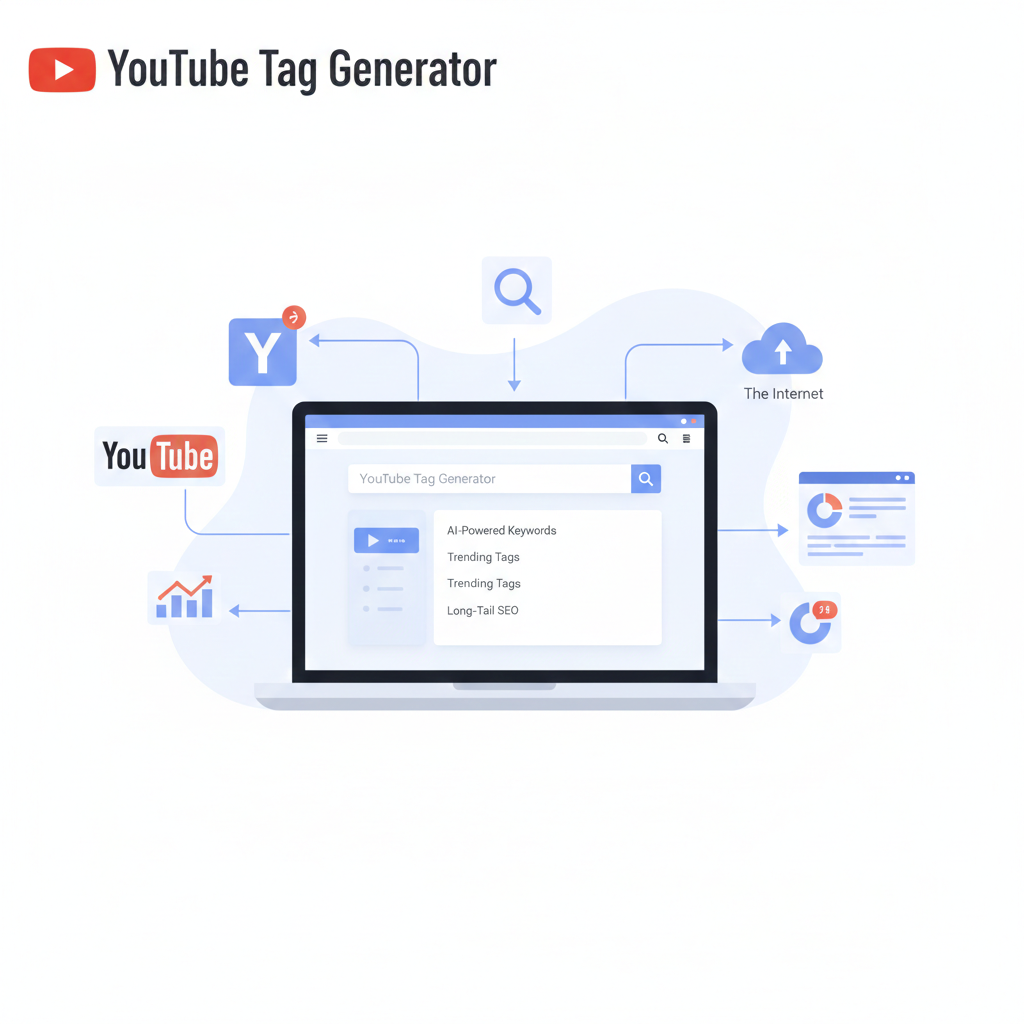
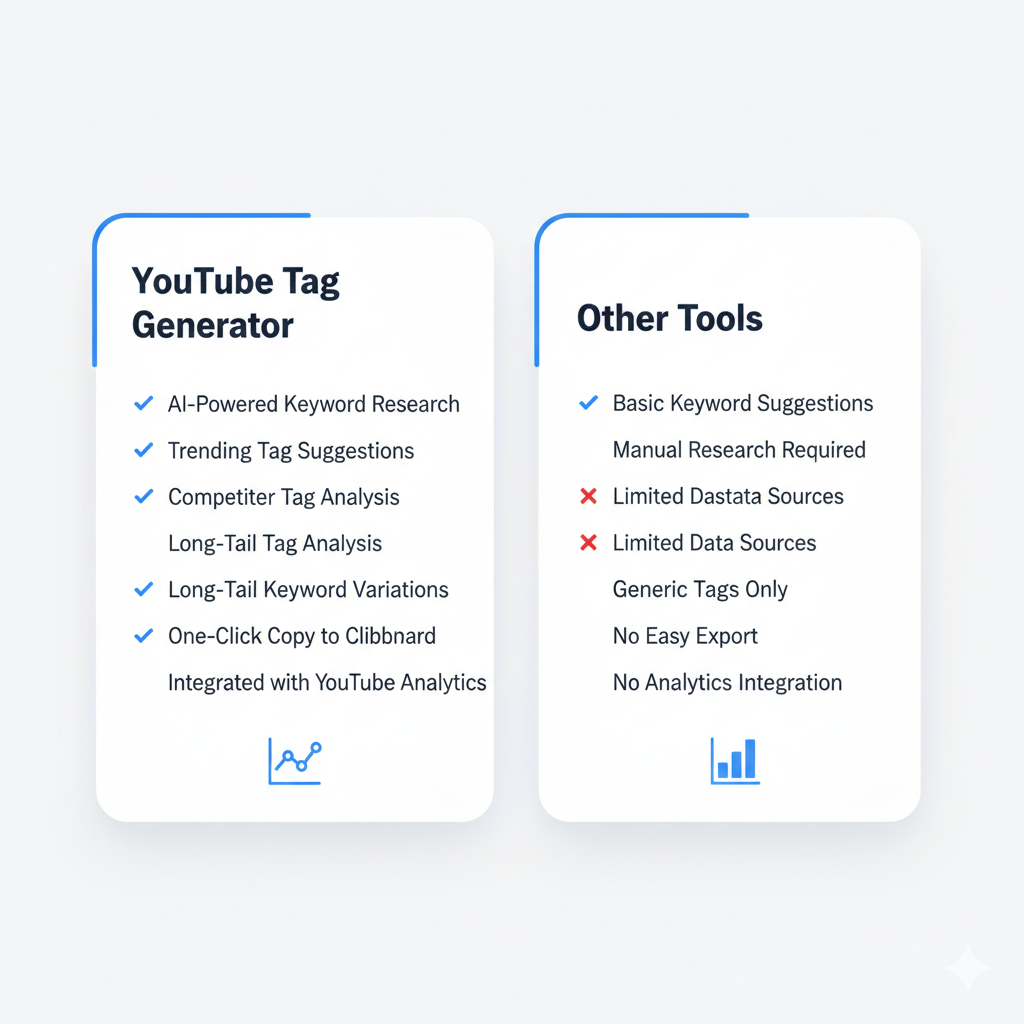
A YouTube tag generator is a free or AI-powered tool that automatically suggests relevant tags based on a video’s topic, title, or URL. These tools save time and eliminate guesswork by pulling real search data to recommend high-performing keywords.
Best Free YouTube Tag Generator Tools to Use
Several tools stand out for creators who want to generate tags quickly:
- Rapidtags YouTube tag generator — One of the most popular free tools. Enter a keyword and it instantly generates a list of tags optimized for YouTube search. The Rapidtags YouTube tag generator is widely recommended by experienced creators and SEO professionals.
- YouTube hashtag generator — Separate from traditional tags, hashtags appear in descriptions and above video titles. Tools that generate YouTube hashtags help creators tap into trending topic clusters.
- YouTube tag generator AI — AI-powered tools go beyond basic keyword matching. They analyze top-performing videos and suggest tags based on what’s actually ranking, making them more strategic than manual guessing.
- YouTube video tags generator by link — Some tools allow creators to paste a competitor’s video URL and extract their tags. This reverse-engineering method is useful for identifying tag patterns in high-ranking videos.
- Rapid tag YouTube — A fast, clean interface version of tag generation designed for creators who need tags in bulk without technical setup.
These tools help with YouTube tag copy — the act of formatting and copying tags directly into the YouTube Studio upload interface.
How to Write YouTube Tags That Actually Rank
Knowing how to write effective video tags separates beginners from experienced creators. Here’s a practical framework:
Start With the Exact Title Keyword
The first tag should mirror the exact phrase used in the title. If the title is “YouTube SEO Tips for Small Channels,” the first tag should be “youtube seo tips for small channels.” This reinforces the primary keyword signal.
Add Broad and Specific Variations
After the exact phrase, include variations. For a vlog about juvenile diabetes awareness in the US, tags might include “diabetes,” “juvenile diabetes,” “health vlog,” “chronic illness story,” and “awareness vlog.” Mixing broad terms with specific keyword phrases captures both wide and niche search audiences.
Avoid Blank Spaces and Irrelevant Words
Blank spaces in tag fields waste valuable metadata real estate. Every tag slot should contain a purposeful word or phrase. Also avoid tagging with terms completely unrelated to the video — for instance, adding “penguin” or “porcupine” to a cooking video just because those terms trend is misleading and counterproductive.
Use Channel-Level Tags Strategically
Beyond video-level tags, YouTube also allows channel tags in YouTube Studio settings. These help define the overall niche — for example, a channel focused on LAN party gaming content would use channel tags like “lan party,” “multiplayer gaming,” “gaming events,” and “gaming community.” This helps YouTube associate the entire channel with a specific content category.
YouTube Tags vs. Titles and Descriptions — What Matters More?
The honest answer from SEO gurus and YouTube data analysts is that titles and descriptions carry more direct ranking weight than tags alone. However, treating them as competitors is the wrong approach. Tags, titles, and descriptions work as a system.
A well-optimized video has:
- A title that includes the primary keyword naturally
- A description with 2–3 paragraphs explaining the video, including keywords
- Tags that reinforce and expand on the title’s topic
For creators building a collab-heavy channel, using consistent tag words across videos — especially collab partner names or shared topic tags — can boost discoverability across both channels’ audiences.
Common Tagging Mistakes That Hurt YouTube SEO
Even experienced creators make tagging errors that quietly suppress their views. The most common include:
- Using only broad tags like “youtube” or “video” — these are too competitive and too vague
- Ignoring secondary keywords — missing out on longer, more specific phrases that have lower competition
- Copying irrelevant tags from viral videos — YouTube penalizes misleading metadata
- Never updating old video tags — refreshing tags on older videos based on current trends can revive dead content
- Over-relying on text to speech auto-generated transcripts as a substitute for proper tags — transcripts help but don’t replace intentional tagging
YouTube Tags for Views — Do Tags Help Videos Go Viral?
Tags alone don’t make videos go viral. Going viral depends on watch time, click-through rate, shares, and early momentum. But tags create the conditions for discovery. A video with the right topic tags gets placed in front of the right audience — which is the first step toward organic growth.
A youtuber creating content for a niche like “lan party setups” or “text to speech meme compilations” will find that specific tags outperform generic ones because they connect with an already-engaged viewer base searching for exactly that content.
People Also Ask About YouTube Tags
Q: Do YouTube tags still matter in 2025? Yes. While their weight has shifted, tags remain a useful metadata signal that helps YouTube categorize videos correctly, especially for topics with ambiguous titles.
Q: How many tags should a YouTube video have? YouTube allows up to 500 characters for tags. Most SEO experts recommend using 5 to 15 well-chosen tags rather than filling every character with low-quality keywords.
Q: Can I use a YouTube tag generator for free? Yes. Tools like Rapidtags and several AI-based YouTube tag generators offer free tiers that cover most creators’ needs without requiring a subscription.
Q: What’s the difference between YouTube tags and hashtags? Tags are hidden metadata added in YouTube Studio. Hashtags appear publicly in descriptions and above video titles, and they link to a hashtag feed page on YouTube.
Q: Should tags match the video title exactly? The first tag should closely match the title, but additional tags should expand on related keywords and topics rather than simply repeating the title over and over.
Build a Smarter Tagging Strategy Today
YouTube tags are not a magic shortcut, but they are a critical layer of video metadata that no serious creator should ignore. Whether using a free YouTube tag generator, an AI-powered tool, or a manual keyword research approach, the goal remains the same: give YouTube’s algorithm enough context to show the right video to the right viewer at the right time.
For creators — from the solo vlogger building a family channel to a gaming community running LAN party event recaps — tags are a low-effort, high-return investment in long-term channel growth. Start with the right topic, build tags that support the title and description, and review them regularly as channel goals evolve.